Hi
I’m using an iPhone to access the mosaic app.
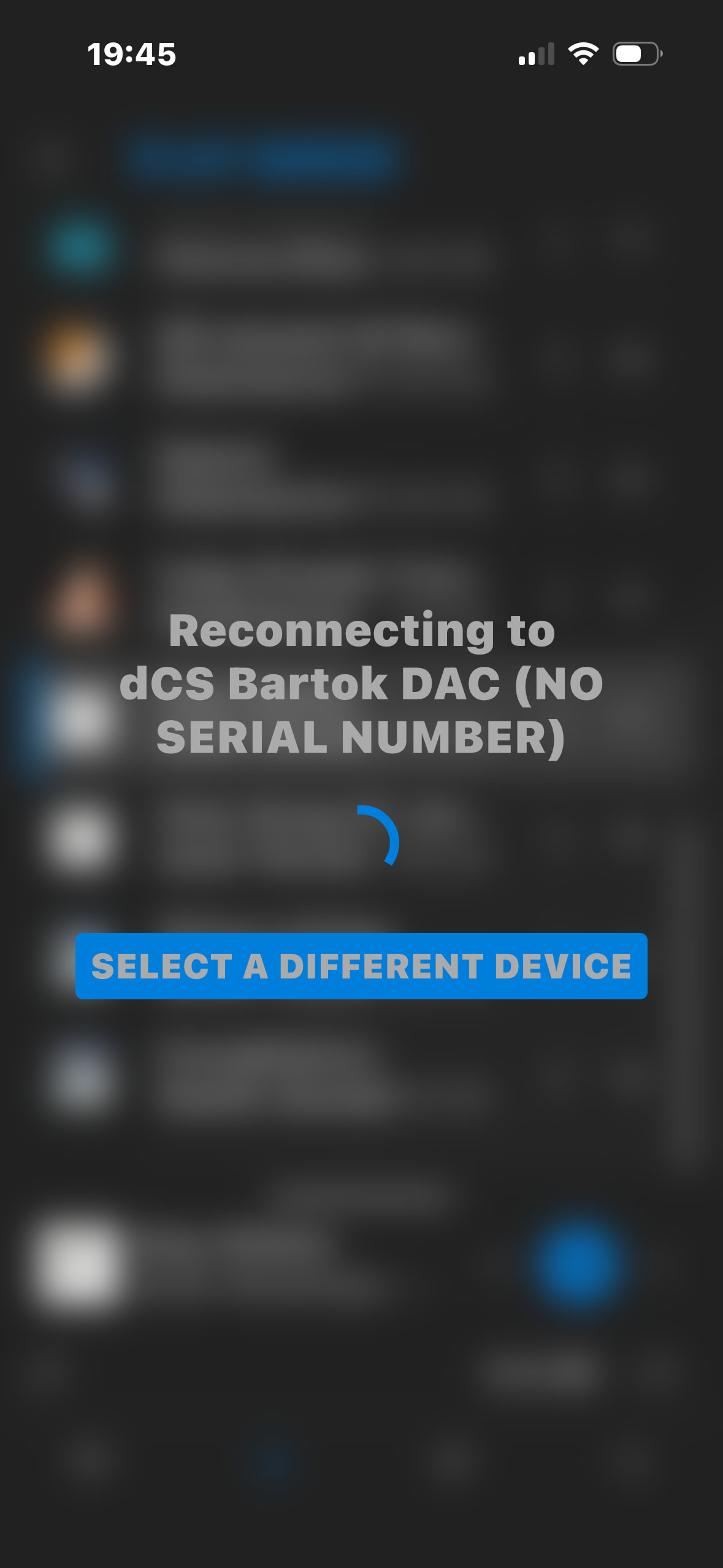
During playback if I switch to other apps on the iPhone and go back to the mosaic app, I am getting the reconnecting error , it may take several seconds till it will reconnect.
Any ideas ?
When you switch from Mosaic to other apps on the same device you are effectively breaking the wifi connection from it to Mosaic. So when you return to Mosaic it needs to reconnect.
Hi Pete
Thank you for the advice, do you also experience the same issue? Is there a way to solve it or minimize it?
Regards
Eyal
Yes, this happens to me. I can only advise keeping to Mosaic for your listening session.
Mosaic is a control point and no music passes through it, so music should continue without Mosaic being engaged if playing when you move to another app. However you will be unable to control it. When you reopen Mosaic it will need to reconnect. Turning off the screen may have the same effect of needing reconnection upon returning. However if playing, the music will continue while this takes place.
Hi
Thanks again, maybe the dcs support will flag it as a potential feature to keep the mosaic connected in the background.
Have a nice weekend.
Regards
Eyal
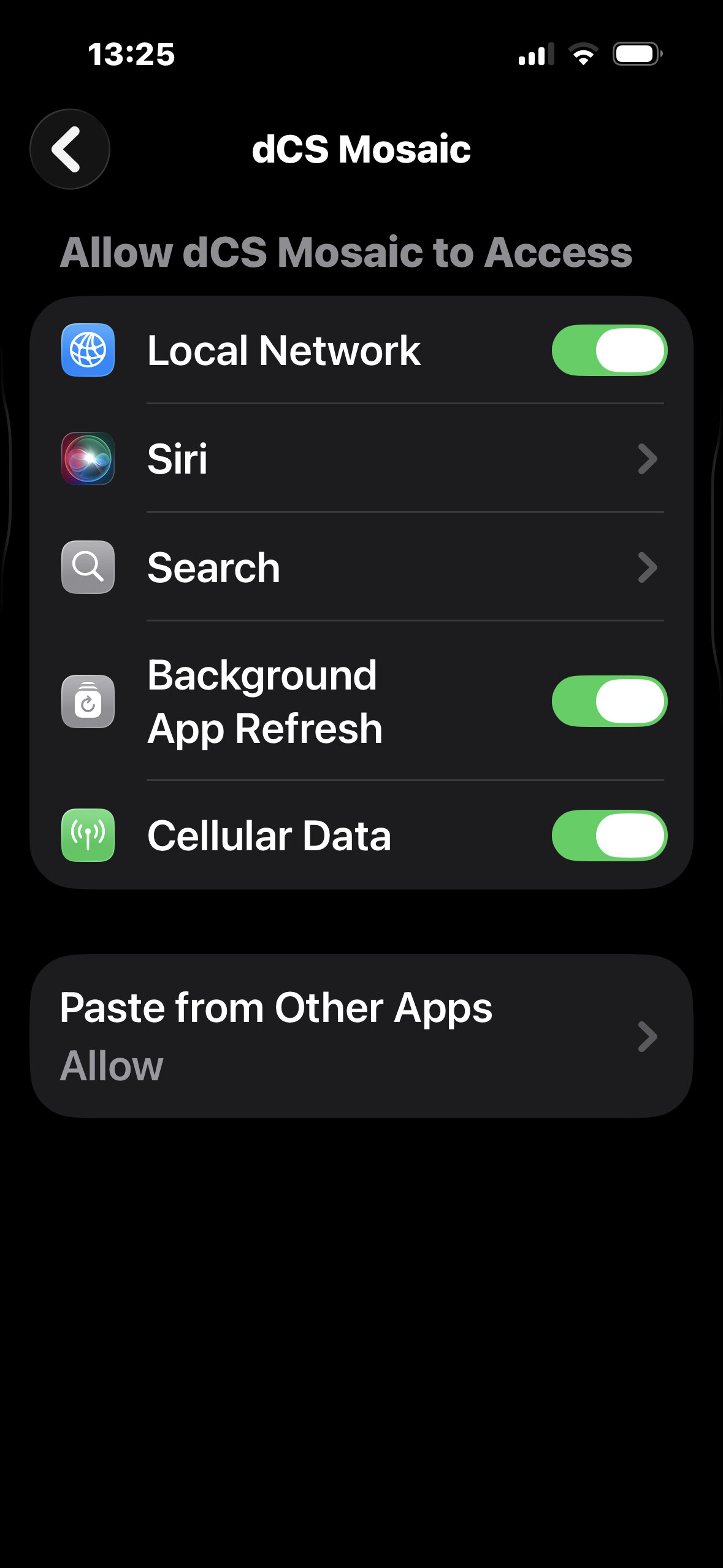
Looks like the app is briefly losing connection when iOS backgrounds it. Try disabling Low Power Mode and make sure Mosaic has Local Network permission enabled. A reboot of the phone and streamer may help too.
There’s a rather long previous thread that outlines why you’re seeing that “Reconnecting…” screen and some possible ways to mitigate it. I’d definitely recommend reading it;
Thanks and it is certainly worth reading.
It is significant that the issue was/is clearly known to dCS ( see Phil’s postings). That was four years ago since when there have been a couple of updates to Mosaic.So it seems that a solution has not been found.
I go along with some of the respondents. It is only a minor occurrence and does not affect music replay itself. Phil also got his wish of turning a negative error message into a more positive one that simply informs what is occurring.
Pete, given Mosaic’s architecture, I think “minimize” is probably a better word to use rather than “solution” 
If this problem has only just emerged for Eyal - I noticed he first mentions owning a Bartok in Jun-2024 - then something in his home network has likely changed causing significantly longer Reconnects. I bet most of us can’t even remember the last time it’s occurred for us because it’s gone in 1-2 seconds.
Hi
I had the issue since day one , sometimes it is short and sometimes it is several seconds.
So if you don’t like the song , it can be irritating;)
I have the bartok connected to the melco switch, then by a cable to the access point which is connected to the router also by a cable.
The Bartock has the high priority in the access point list .
The iPhone is connected by WiFi to the access point for control .
I believe that other people find it irritating..
Thank you all for sharing, maybe it will be fixed one day 
Eyal
If you’ve had this issue since day 1, then the combination of your Melco Switch and your WiFi AP are the likely cause for the variation in Reconnecting time. What brand/model is your AP?
In a normal setup, when it does occurs, it shouldn’t last more than 1-2 seconds.
Hi Anup
I appreciate your willing to help me .
The provider router is connected by optic fiber , then to the 2nd floor by a lan cable to the TP Link Deco set as an access point , then by cable to the melco switch.
The 2nd floor has a different WiFi name than the ground floor. When I listen to music , the iPhone is connected to that WiFi network.
Do you think that if I will change the tp link to a 2nd router instead of an access point it will be better?
Quite possibly.
I don’t quite understand the setup you explained though. Is your Mosaic/iPhone connected to a WiFi Mesh AP?
So, something like;
                      [TP Link] -- WiFi -- [iPhone/Mosaic]
                          |
                         WiFi
                          |
[Provider Router]----[TP Link]----[Melco]----[Bartok]Hi
Yes it is , my network map:
Ground floor: fiber>router>lan to 2nd floor
2n floor: LAN>AP>LAN>Melco>LAN>Bartok>wifi>iphone
Each floor has a different WiFi name, because I have a Mesh units only upstairs, so if I use the same WiFi name for both floors, it will be difficult to find the best reception in the WiFi list when you walk in the house.
I can try to connect the LAN from the ground floor first to the switch and from the switch to the AP, this way the Bartok will “see” the provider router directly and not via the AP. The downside side is that all the 2nd floor traffic will go via the melco to the AP, is it bad?
Regards
Eyal
That’s not going to help much actually.
Your Mosaic/iPhone doesn’t need to see your Provider Router better. What it really needs is to be networked closer to the Bartok - the less Ethernet segment hops Mosaic needs to jump across to reach the Bartok, the shorter that “Reconnecting…” time will be!
So, in your case, the AP that your Mosaic/iPhone connects to most frequently should be as directly connected as possible to the Melco port, ideally the next port to the where the Bartok is connected to on the Melco.
Also,
Put the Melco ahead of the AP!
So;
[2nd Floor LAN Cable]---[Melco]---[Bartok]
                           |
                           |
[AP] -- WiFi -- [iPhone/Mosaic]Hi
Thank you ! I will try it.
Just one concern that I wrote below:
Moving the melco before the AP , means that all the WiFi users in the 2nd floor will pass via the melco , today the melco is only connecting the nas & bartok (and also the web streaming) , is it an issue?
Regards
Eyal
Nope, not an issue. Because the AP’s Packet routing/forwarding performance sucks in comparison to what the Melco Switch can do  . APs should never ever be the core node of any network, only as an access tail.
Noted !
I will try it and advise back .
Thank you for your support
Regards
Eyal
Hi Anuc
I tried it , but it is not working.
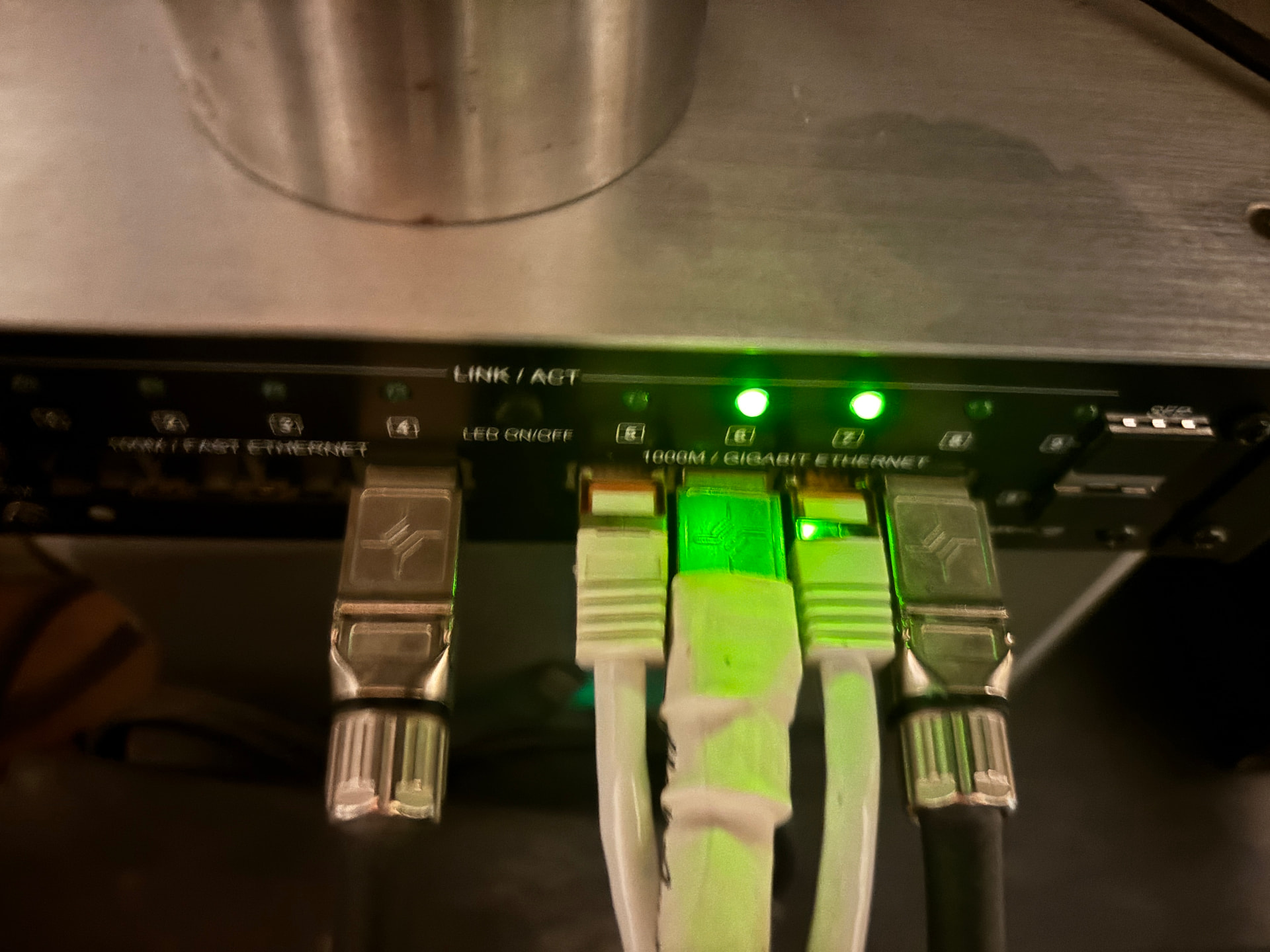
I connected the router lan to the melco , the green light is on. I connected the lan between the melco and the AP - no green light and the AP light is red.
I tried to restart the melco and AP - not solved.
If I connect it back , all is working ok , so the cables are ok .
Any ideas
Regards
Eyal