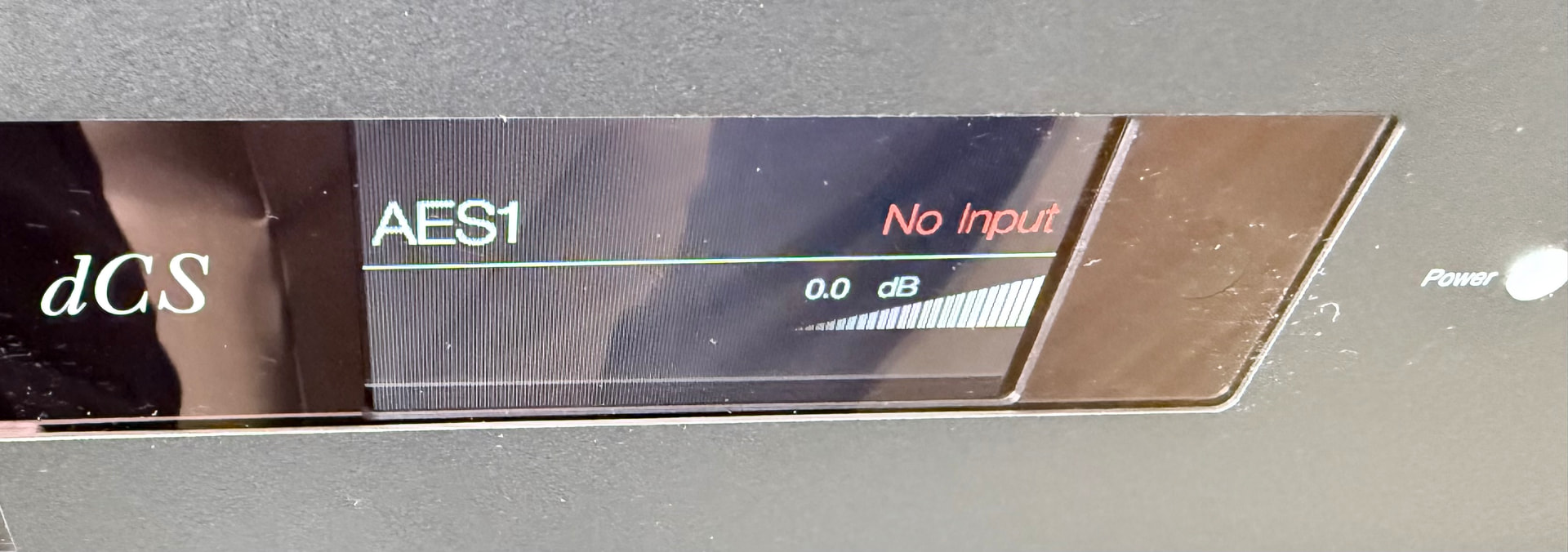
Just demoing a Streamer with a USB connection to my Bartók. The input button on the front panel when pressed says, USB 1 which is correct, but it will not allow me to scroll through the inputs. Which I thought it would?
I have unplugged the Bartók and rebooted it, but it’s still stuck on USB 1.
I just gave the Bartók an Ethernet connection, then changed the input in Mosaic. Once I’d done that I was able to charge the input on the front panel.
Have you got anything connected to other Bartok inputs? Although I do not have Bartok from memory all of the other dCS DACs I have experience of do not display unconnected inputs.
All dcs dacs when you use the front button on the dac will only give you any connected inputs that are on.
So if say you have a cd player plugged in using aes and then say your streamer on usb, if are using the streamer then it will be available but if the cd player isn’t switched on then it won’t be seen, turn it on and then both will be available to select on the button.
If you use mosaic all the inputs are shown even if nothing is connected to them, let alone if they are and just not powered on. I guess the input isn’t seen until its got something powered on infront of it.
Hi Pete
Yes, I have SPIDF 3 connected.
Just tried it again and the front panel button now works. I can select any input now.
The scenario appeared to change when I changed the input in Mosaic. Which is weird.
Update: Just disconnected the Ethernet cable from Bartók, now unable to change input on the front panel. Stuck on USB 1.
Hiya Dunc
I think you may of sussed it.
USB 1 is connected to a Streamer.
SPIDF 3 is connected to a TV.
At the time of pressing the front panel button, the TV was off. So it only displayed USB 1.
Just switched the TV on and now the front panel shows SPIDF 3 as well as USB 1.
As others have already said, the Bartók will only show currently active inputs as available. USB1 always shows as active as the USB XMOS is always active and talking to the FPGA, so even if no USB device is connected that’s the one input that will always be available.
You can set the Bartók to the desired input even if it is not active via Mosaic, should you need to.
Just connected a new AES to the Bartók and Eversolo T8. So the input connections are, USB1 and AES1 on Bartók. Rebooted Bartók but still stuck on USB1 Pressing input button on the front panel does not change the inputs, which are both live.
The only way that I can change the inputs, is to plug in an Ethernet cable and change it within Mosaic.
I’m trying to do a comparison between USB and AES.
Pulling my hair out on this one!
Before proceeding further may I just check that I understand this. You are connecting the eversolo to Bartok hoping to be able to choose between USB or AES. However you cannot move Bartok from USB. You have tried two AES cables.
For Bartok to display a connection it has to be live. I know you say that they are but, to check, the eversolo is switched on when using AES1?
If both units are switched on once the connection has been made , have you tried AES2 instead? If both AES 1 and AES 2 are not displayed it suggests that the eversolo AES output may be faulty or the eversolo AES output needs selection first ( see its manual). Are you able to check the eversolo AES connection otherwise e.g. with another component?
PS: you have posted the screenshot since I wrote the above. This shows that you are not stuck on USB but that AES 1 is not receiving anything at all ( not just programme but even a handshake). It doesn’t say no connection. It looks like an eversolo issue.
That suggests your T8’s AES output port is not active.
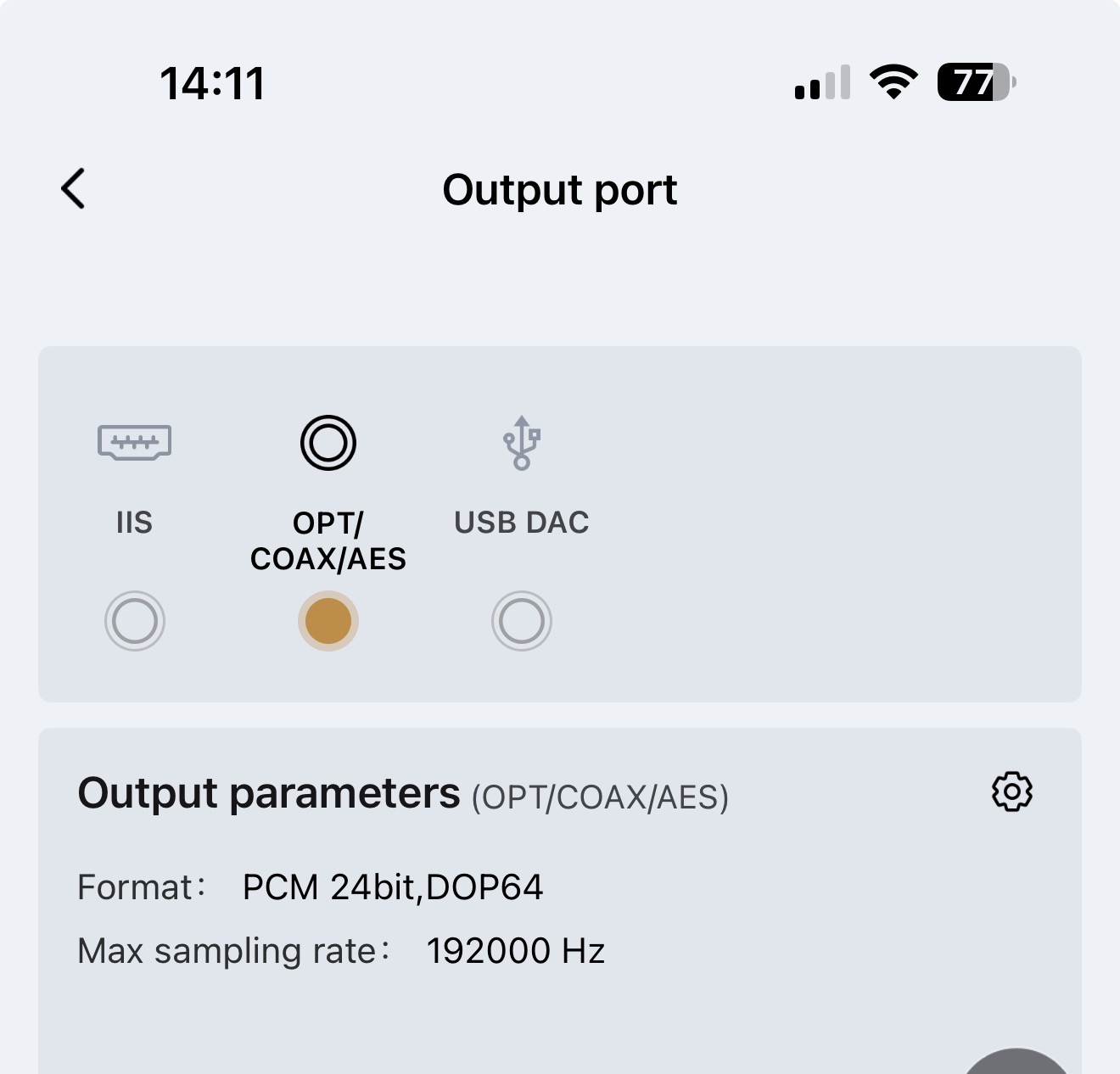
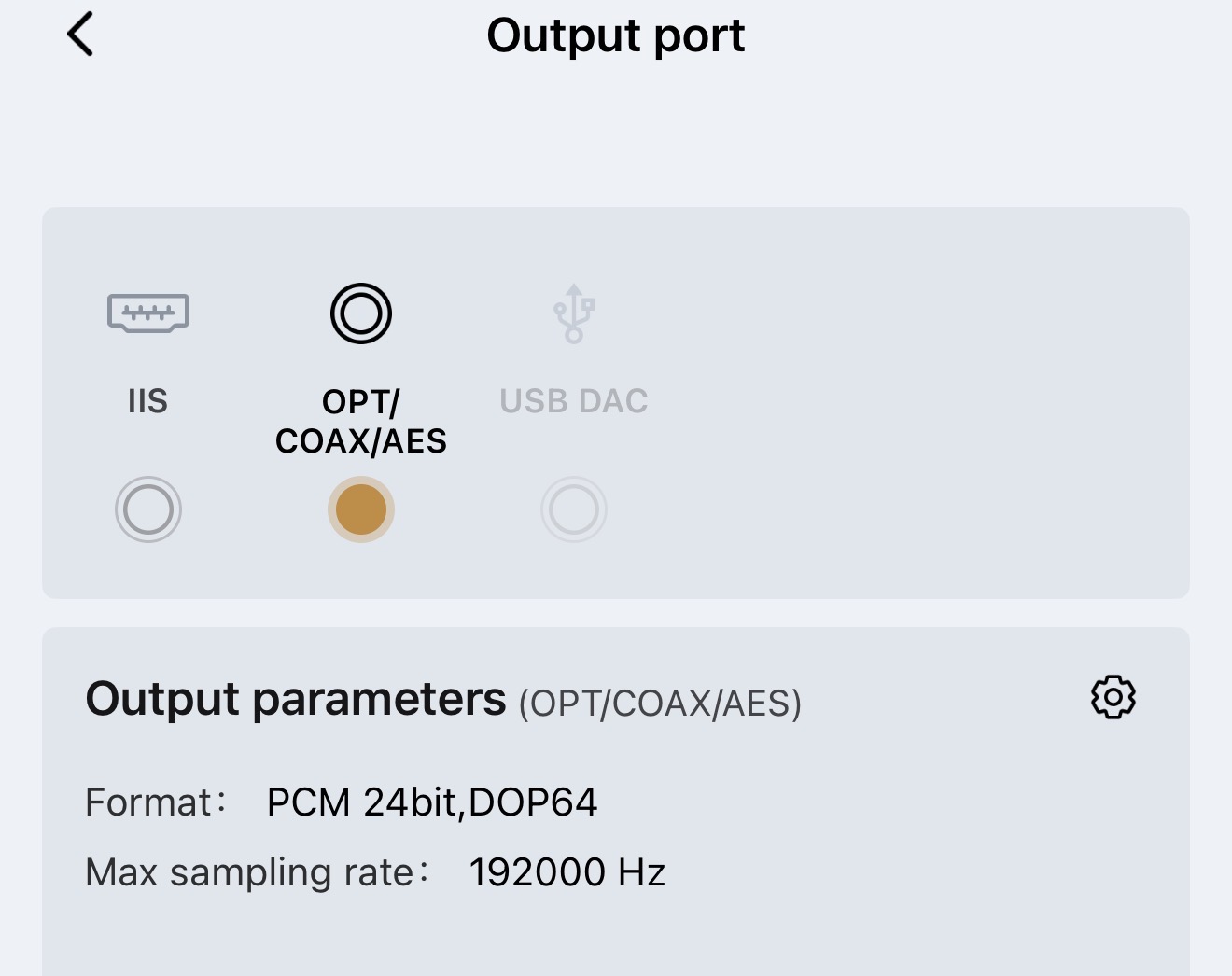
I doubt USB and AES out are both active at the same time on your T8. Flipping through the T8’s manual, I’m guessing you need to configure Setting > Source > Output port to COAX/OPT/AES in order for it to become active.
So, playing internet radio on the T8 the AES1 is now working. If I pause the radio, No Input re appears.
Playing a track from the T8 SSD, AES now works. If I pause the track playing, No Input re appears. Very helpful…Not!
Update:
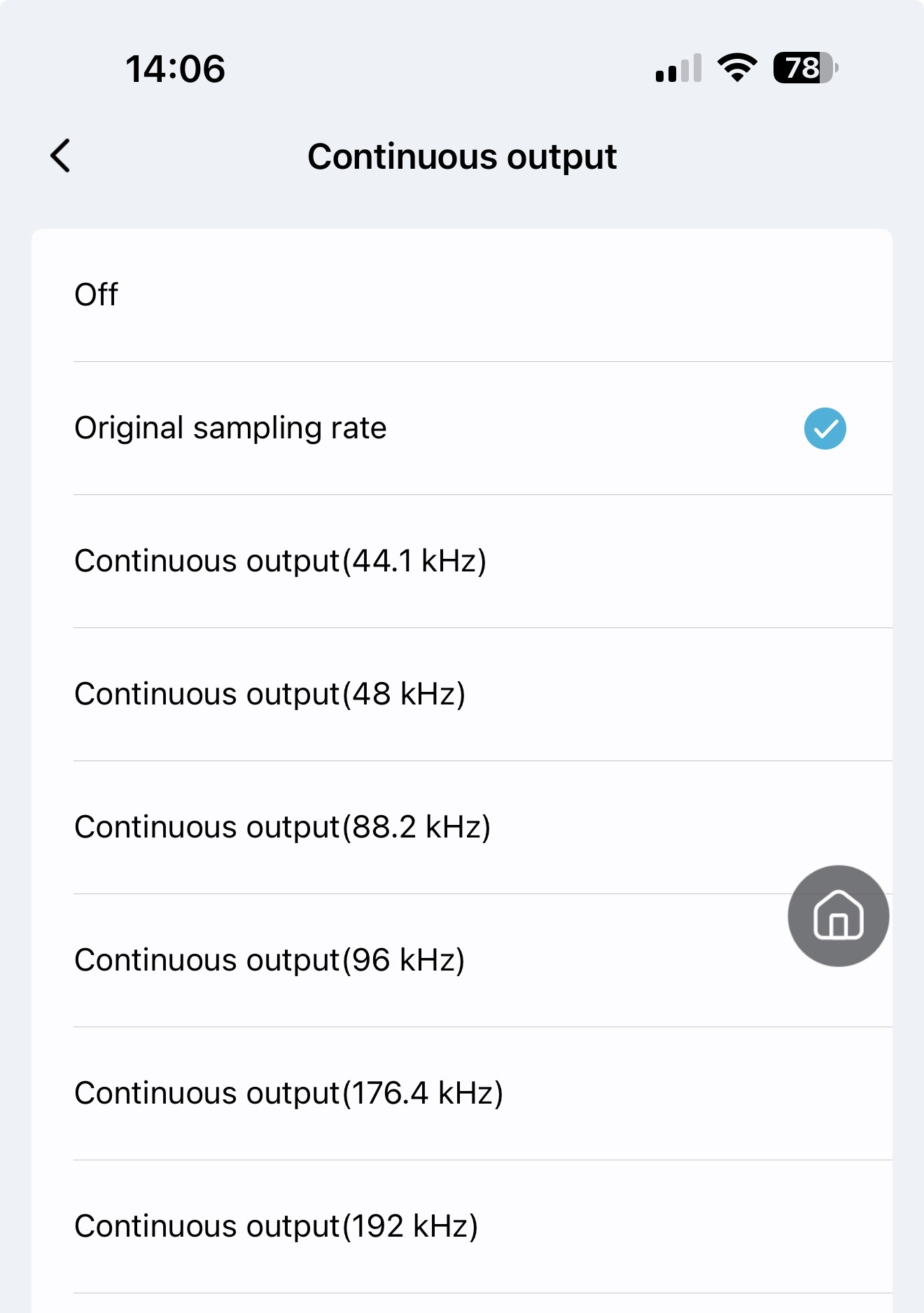
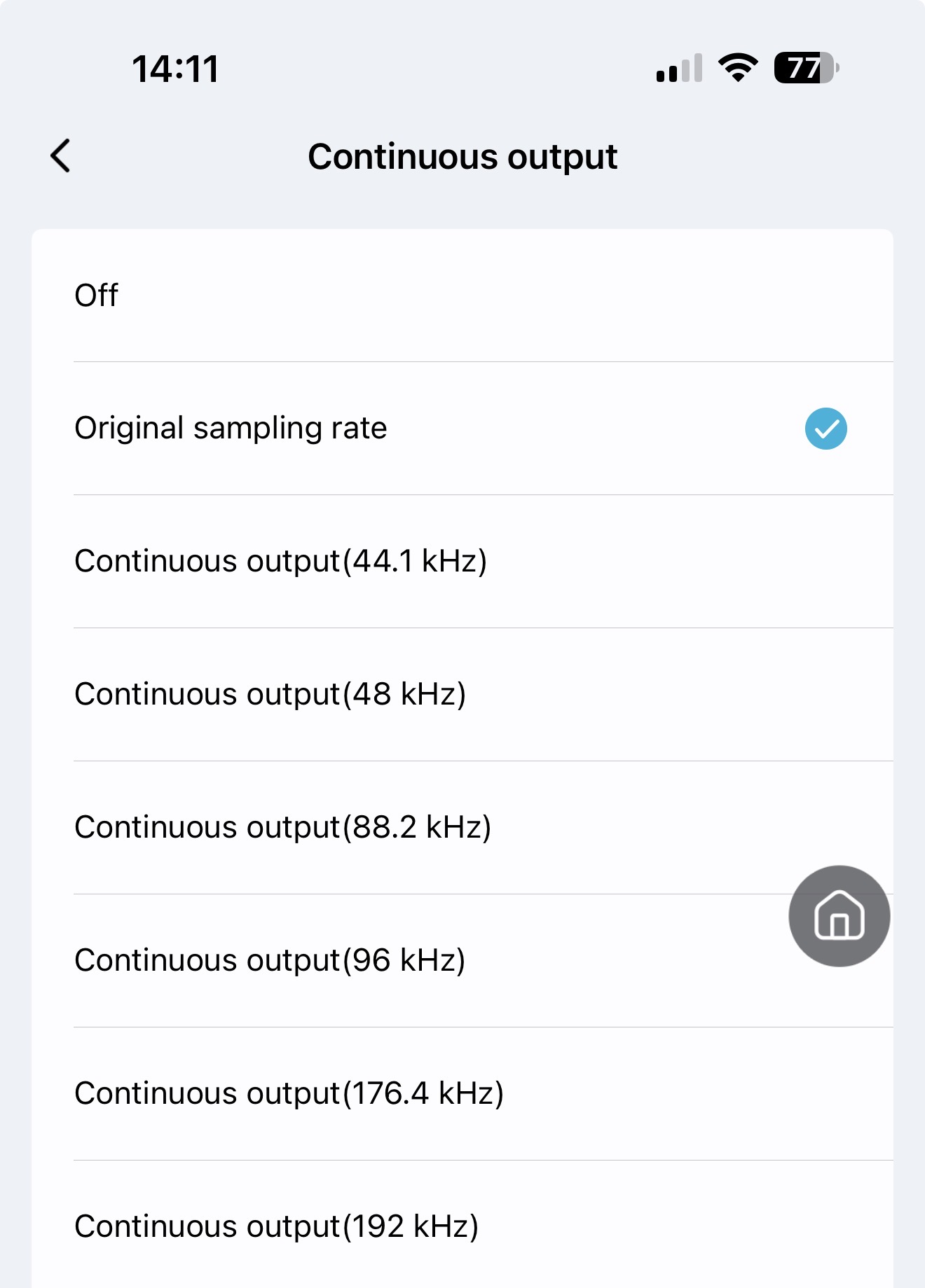
There is a setting on the T8 which shows the Parameters of SPIDF.
Continuous Output: OFF
Continuous Output: Original Sample Rate and various other sample rates.
With Continuous Output enabled, AES1 appears to be behaving itself.
I spoke too soon.
I put everything to Standby, switched it back on and saw that the AES1 shows No Input, until I actually play Radio or Music.
Is this normal and just the way that a single AES behaves?
Perhaps someone could please the protocol of single AES.
I tried turning Dual AES OFF, and also to AUTO. No change.
Thanks
Also try unplugging the usb and see if it all works OK, as having both connect from the same source might be causing the issue. As aes should stay displayed once the t8 is powered on after it’s been selected. It shouldn’t going you pause the music, etc. I should think this is something to do with the t8 as its menu is quite hard to navigate and the options are huge, but confusing is what you mainly read about them on reviews.