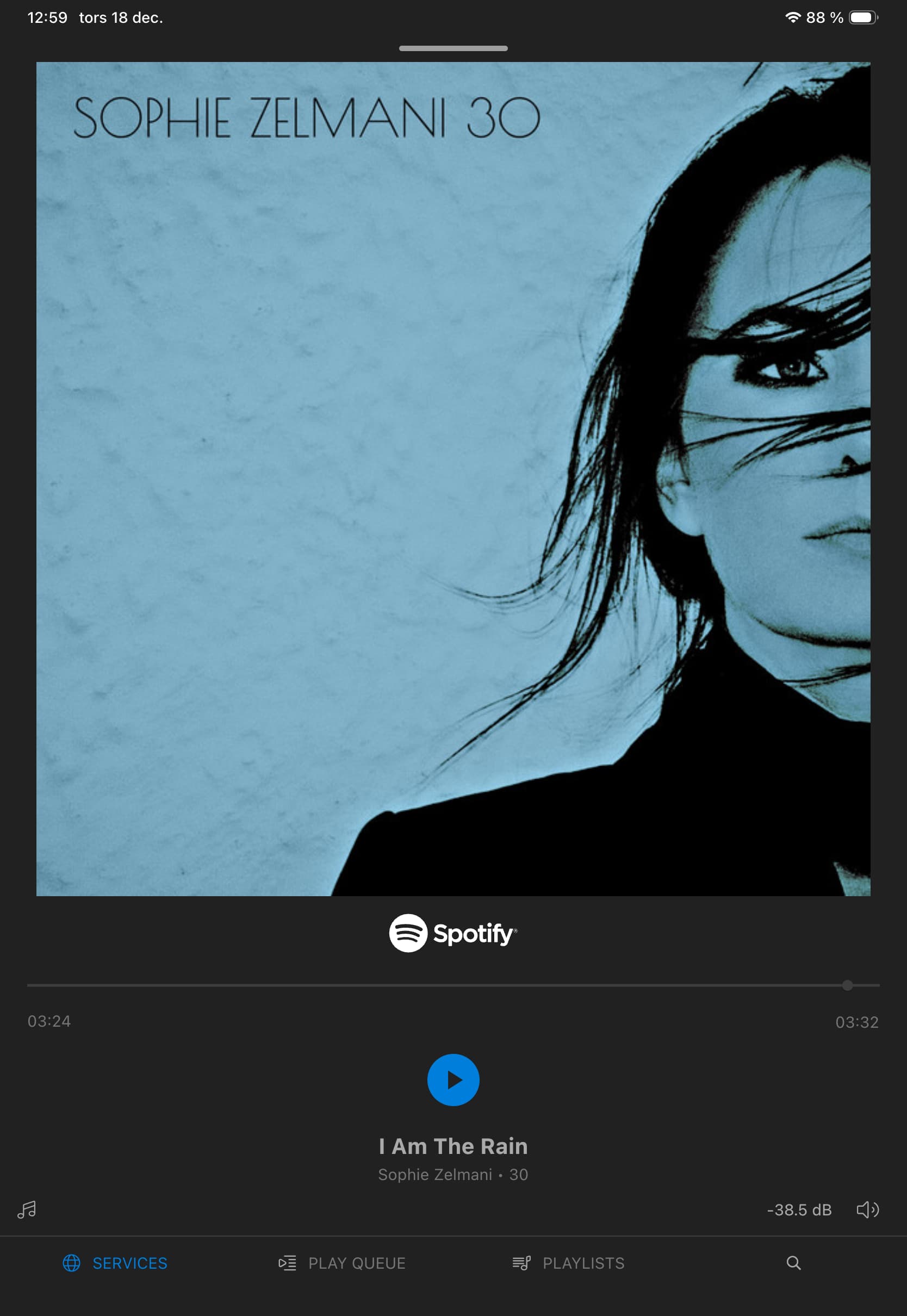
Can you somewhere in Mosaic see the quality on the Spotify lossless streaming file you are playing?
In the Spotify app on my iPhone/iPad I can see lossless 24/44,1, but I want to verify file quality through my Rossini as well…
Can you somewhere in Mosaic see the quality on the Spotify lossless streaming file you are playing?
In the Spotify app on my iPhone/iPad I can see lossless 24/44,1, but I want to verify file quality through my Rossini as well…
In Mosaic you should see file format for lossless sources. For lossy sources you should see codec and data rate.
To see this you need to have Mosaic display in full screen view. To select this you swipe up from the white line above the play bar.
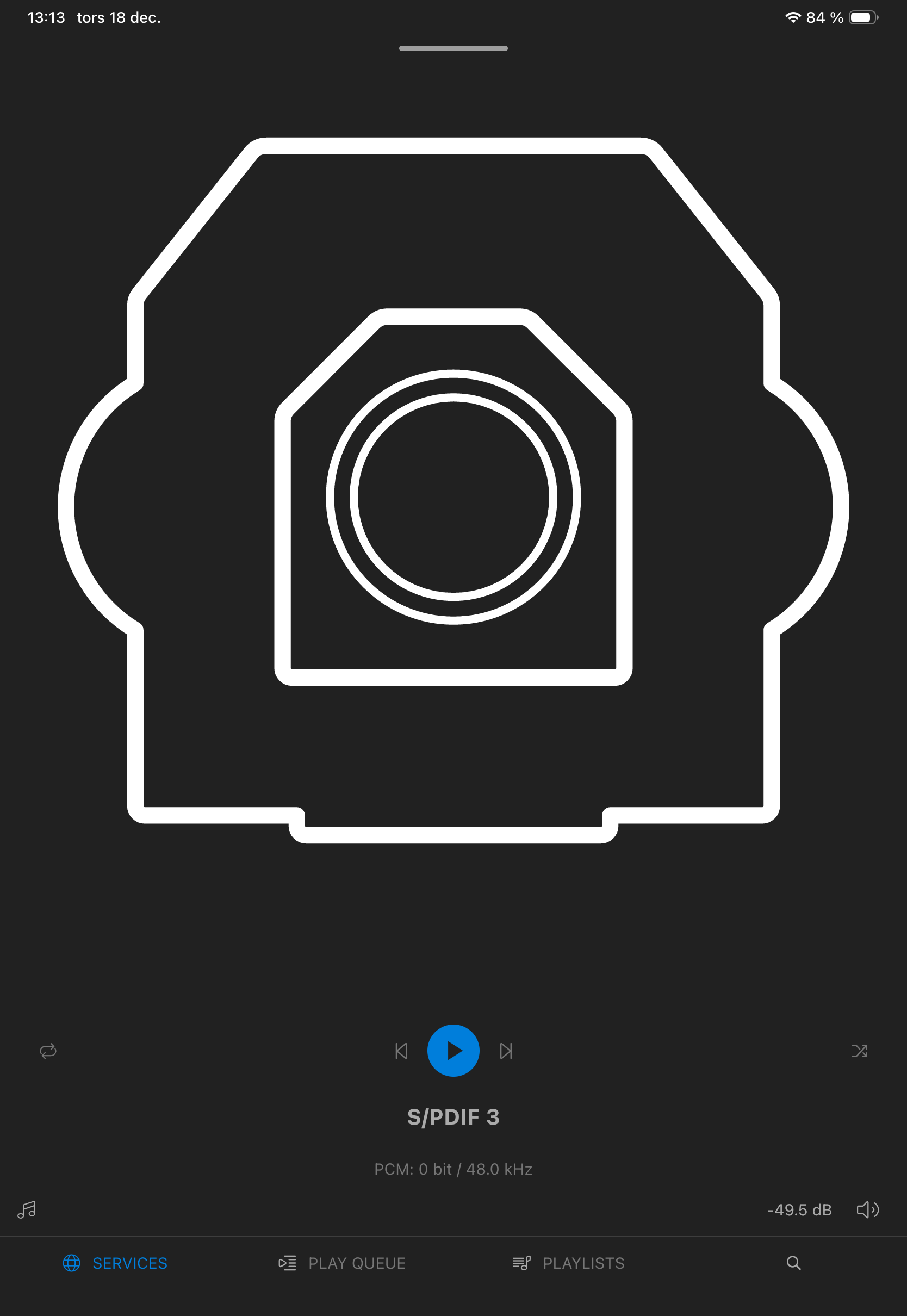
When I watch TV (S/PDIF) I can see ”PCM 16/48”, but when I’m listening to Spotify I see what’s above…
My reaction is that this may be an issue that relates only to Spotify lossless. If so it might be a software development issue. I am tagging @Phil at dCS so he may comment.
I am guessing that you have your Rossini direct to your amplifier and do not use a preamp. I see that you have therefore attenuated the dCS volume control to -38.5 dBfs.This is possibly excessive and suggests that you have selected a line voltage that is too high for this configuration.
Hi Guys,
Please see…
Phil
Okey, thank you both for the clarification. It would be nice to see bit/sample rate on the file streaming though…
Pete; correct, I have my dCS direct connected via XLR to my CH Precision 1.5 stereo power amp. Do you recommend me to adjust something on my dCS regarding line voltage? Line Output set to 6V.
I suggest that you try changing the output voltage to 2V, and adjust the attenuation according to your listening volume preference.
Input sensitivity usually means the voltage applied to provide the full rated output of the amplifier. In the case of your CH amp this is 2.2V balanced and 1.1.V single ended. As you can see 6V exceeds this. This is not to say that you need exact matching but overload can result in increasing distortion .
Setting the correct line voltage means finding one that provides reasonable volume control ( not too much attenuation) making it comfortable to use and not exceeding -30dBfs ( I think that is the current recommendation).
I suspect that @Bauer’s recommendation of 2V is likley to be to be a good choice.
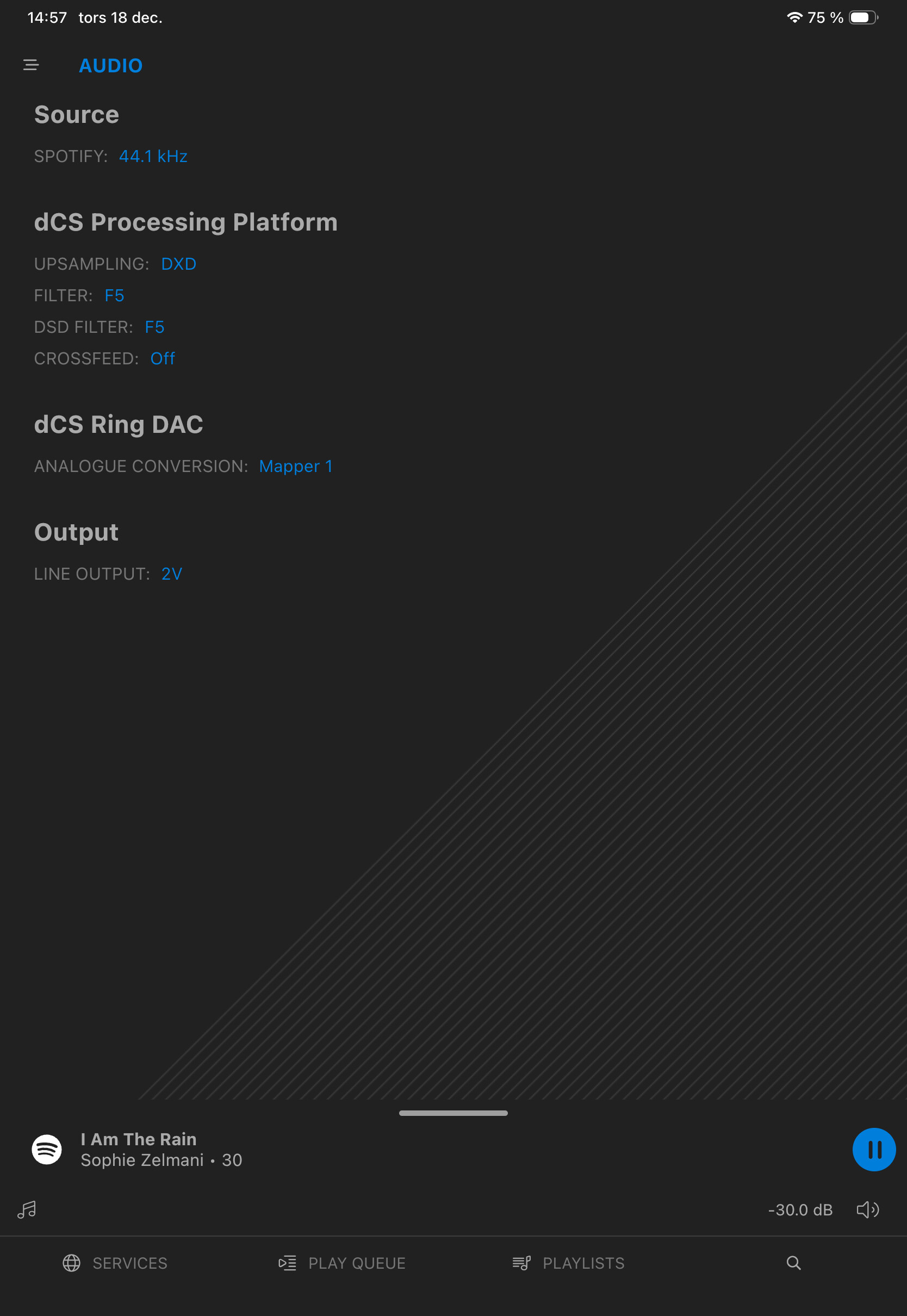
Thanks for advice, here you can see my settings, aren’t sure if they are ”good”. With 2V and volume set to -30 dB, I think the sound level is a little bit low acctually…
In which case, decrease the attenuation, closer to 0.0dB, until you reach a volume level that you are comfortable with.
Aaah, do you mean that the volume should be between 0 - (-30 dB), so when I have a comfortable level of sound it should show closer to zero? I have a good sound level in my room when the display shows -20 dB (at 2V)…Should I increase even more? 0,6V?
Yes
That’s good
It’s up to you.
It is worth experimenting with 0.6V, but I anticipate that, as @PAR said, 2V may be the better option for your system.
However, only you, and your ears can decide…
Ok, thank you very much again!
No problem.
Do you have any suggestions for adjustments regarding the other settings?
All of the various settings/options are there for you to try, and then decide which is best for your ears, and is most synergistic with your specific system and listening room.
I encourage you to experiment with all of the options, until you find what best works for you.
Hi, i have connect, like you, the dcs to my final amp. (Soulution 717).
The problem is that if you change the volume on the dcs you loose a lot of things because for to have the best performance the dcs volume must be 100% or 0 Db.
I have connect a preamp, leave the dcs volume to 100% , 6 Volt out, and use the preamp for set the volume.
Change all.
Nick
I don’t use any preamp…