Because of the issues that I, and many others are experiencing with Qobuz, and because I don’t currently own a streamer/Server with storage, I decided to use my iMac which contains some of my music files.
So, I installed MinimServer on the iMac and all was playing back nicely on the Bartók.
However, occasionally on an album, instead of moving on to the next track, it would play the same track again, and again! Until I physically moved it on.
Does this have anything to do with the fact that the iMac is connected via WiFi and the Bartók is Ethernet hard wired? A latency issue perhaps?
This sounds like you are inadvertently engaging the repeat track function in Mosaic. It is the oval arrow icon to the left of the playing controls of the selected track.
No, I sometimes have the same issue in Qobuz, when playing an album a song can keep playing over and over again till I manually go to the next song(no repeat switched on)
Qobuz is getting a bit annoying, also the red beam with “failed to start playback” pops up more often while the song starts playing anyway.
On top of that more and more songs are not available in existing playlists
David, what version of MinimServer are you running?
It’s possible, albeit remote, that your iMac’s WiFi connection is causing the problem, but this is easily verified by just hard-wiring your iMac to your Ethernet Switch temporarily to see if it solves the problem.
My iMac is in a room on the other side of the building, well away from the router, which is why I’m using wifi. The connection is rock solid and can play anything on the iMac.
I was just wondering if having one device on wifi, (iMac) and the other one hard wired (Bartók) if it caused a hand shake/Latency issue?
It’s not a big deal to move the iMac into the same room as the router and hard wire it. Just a point…I extended the iMac sleep mode from 10 minutes to an hour, otherwise if it goes in to sleep mode, the music stops.
Music just stopped, Bartók lost connection with router. All lights on the router are solid, everything in the house working just fine.
Still the same issue as yesterday, just played the same track twice. So perhaps not a WiFi issue.
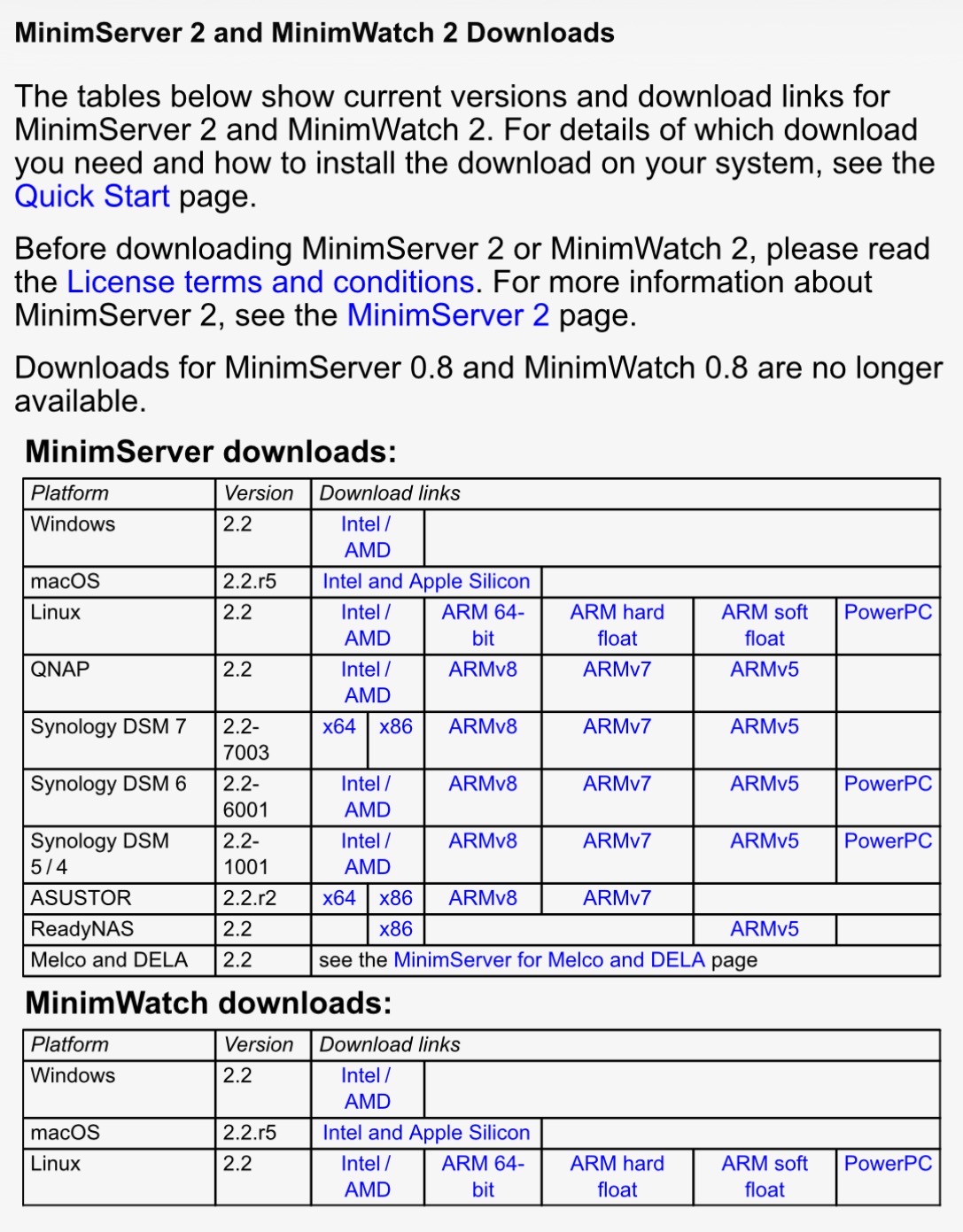
Is it the MinimServer version? It’s the latest for Mac.
I seed that you are low on battery power on your device (15% only). Is there an algorithm that estimated it too low to complete the replay requested of this very large album ( 57 track version)?
Just a thought. Why not recharge it and try again?
Errrr The 15% low battery is on the iPad. The music files being streamed are on my iMac using MinimServer UPnP via Mosaic. Don’t think low battery on the iPad would affect playback, would it?
You got me thinking now
Just to add…The iPad is charging via USB on the iMac, and the album I am playing now, has so far been flawless!
The album that was giving me grief, I’m going to put it on a pen drive and plug it directly into the Bartók, to see if it misbehaves.
Hiya Pete
I do in fact have a good one, but that is connected to a mag charger which I use to charge my iPhone at night.
It’s easy just to plug it into my M4 iMac by a USB-C.
Well, the USB was flawless! And…I thought it sounded better. More instrument separation.
I thought initially, that perhaps the Files may be corrupt?
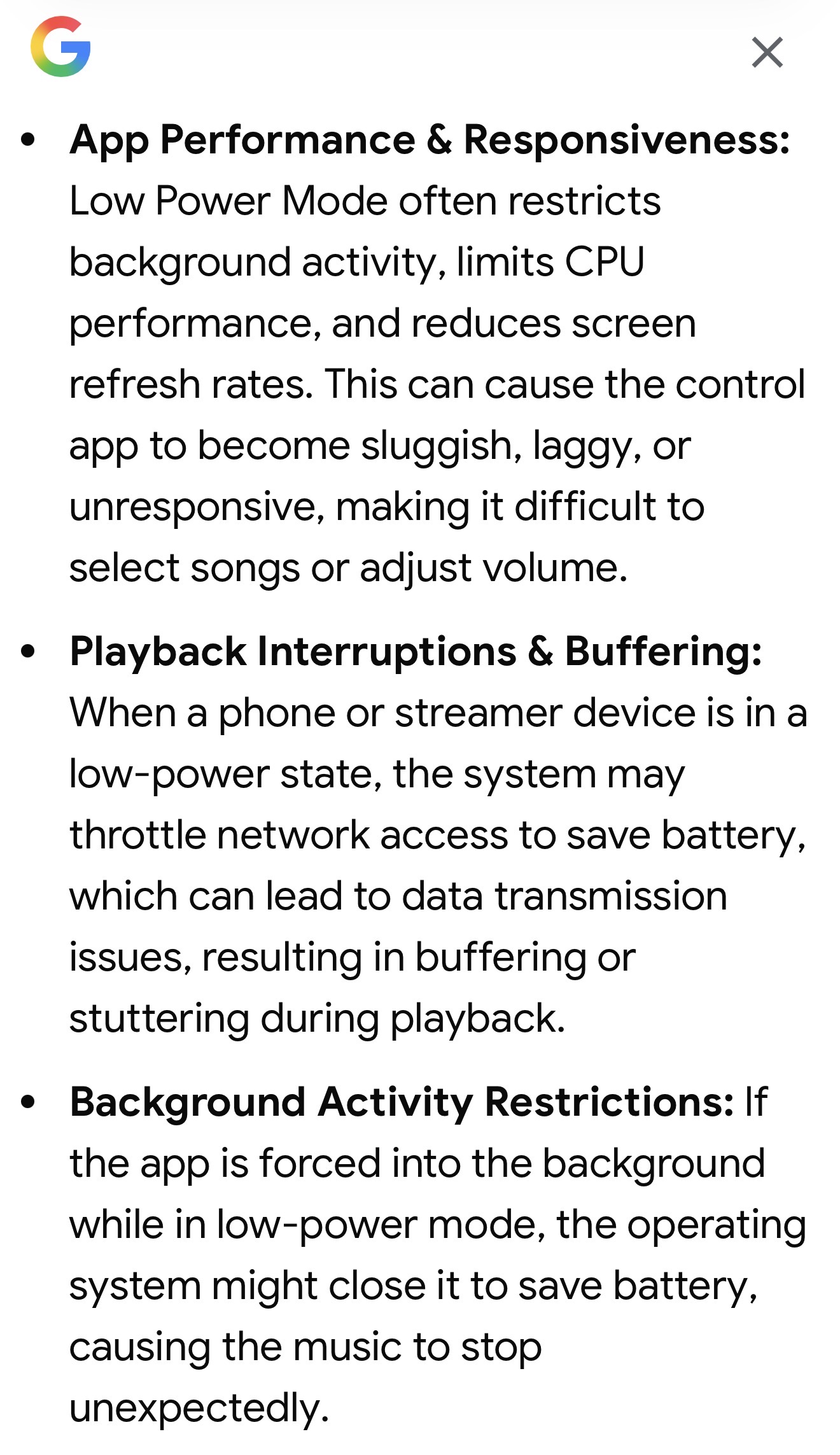
How would a low on power iPad or iPhone cause the tracks to jump, refuse to play, etc…?
I don’t know what device you are running Mosaic on but when they enter low power mode it may occur at 20% ( the device may send a warning). Your screenshot shows the charge as 15%.
Phone/tablet batteries often have pre-determined maximum usage. To maximise this it is best not to reach 100% when charging. Try to commence charging at around 20% and stop at 80%’ I notice that my iphone estimates charging time to 80% only. If only 20% is left a warning orange battery level is displayed.
You’ve got the current version of MinimServer. So, that part at least is not suspect.
And no, there are no “handshaking” issues involved between Wired and WiFi device connections as the UPnP protocol operates at the IP packet layer where it really doesn’t know/care about what happens at the physical layer.
That said, it’s generally a bad idea to put either the UPnP Server or the UPnP Renderer on WiFi as the high levels of packet-jitter and latency related to WiFi can potentially cause problems.
In this case, since no one else appears to have this particular “FAILED TO START PLAYBACK” issue with UPnP streaming, I’m guessing it’s something specific to your particular setup
What Ethernet Switch is your Bartok, and now your iMac connected to? Anything else in-between them?
“In this case, since no one else appears to have this particular “FAILED TO START PLAYBACK” issue with UPnP streaming, I’m guessing it’s something specific to your particular setup”
I had that too,as I mentioned in the other thread. But in my case the track played without a problem. Just got that message in red. Tried to recreate it next day but no show. Also MinimServer and everything hardwired. Chalked up to a local network glitch. Did not happen anymore. Knock on wood.

 iMac now hard wired, just started to play the same album as yesterday, that had issues, and got this!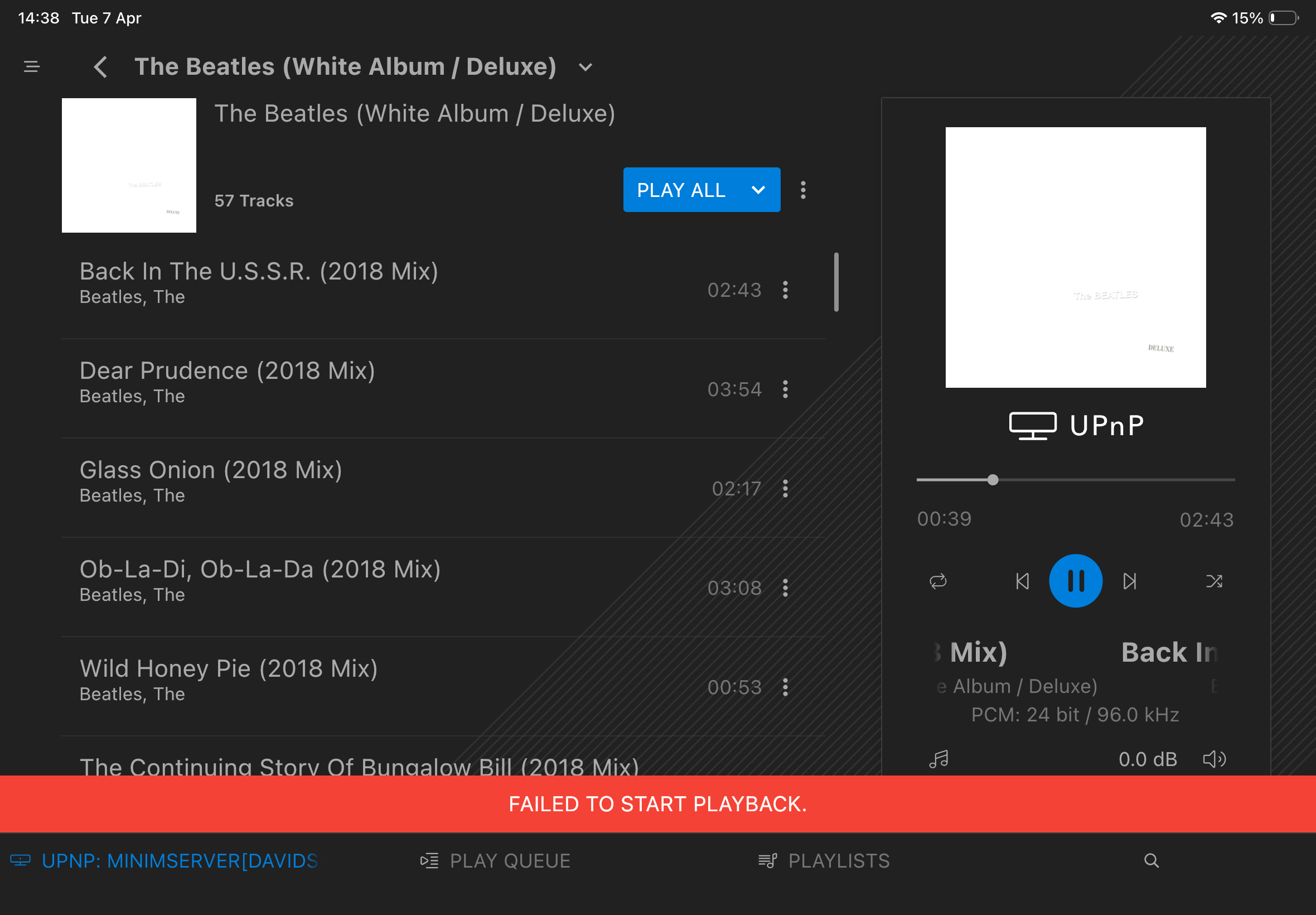
 The 15% low battery is on the iPad. The music files being streamed are on my iMac using MinimServer UPnP via Mosaic. Don’t think low battery on the iPad would affect playback, would it?