I’m hoping another dCS user might be able to help me with a small but persistent issue.
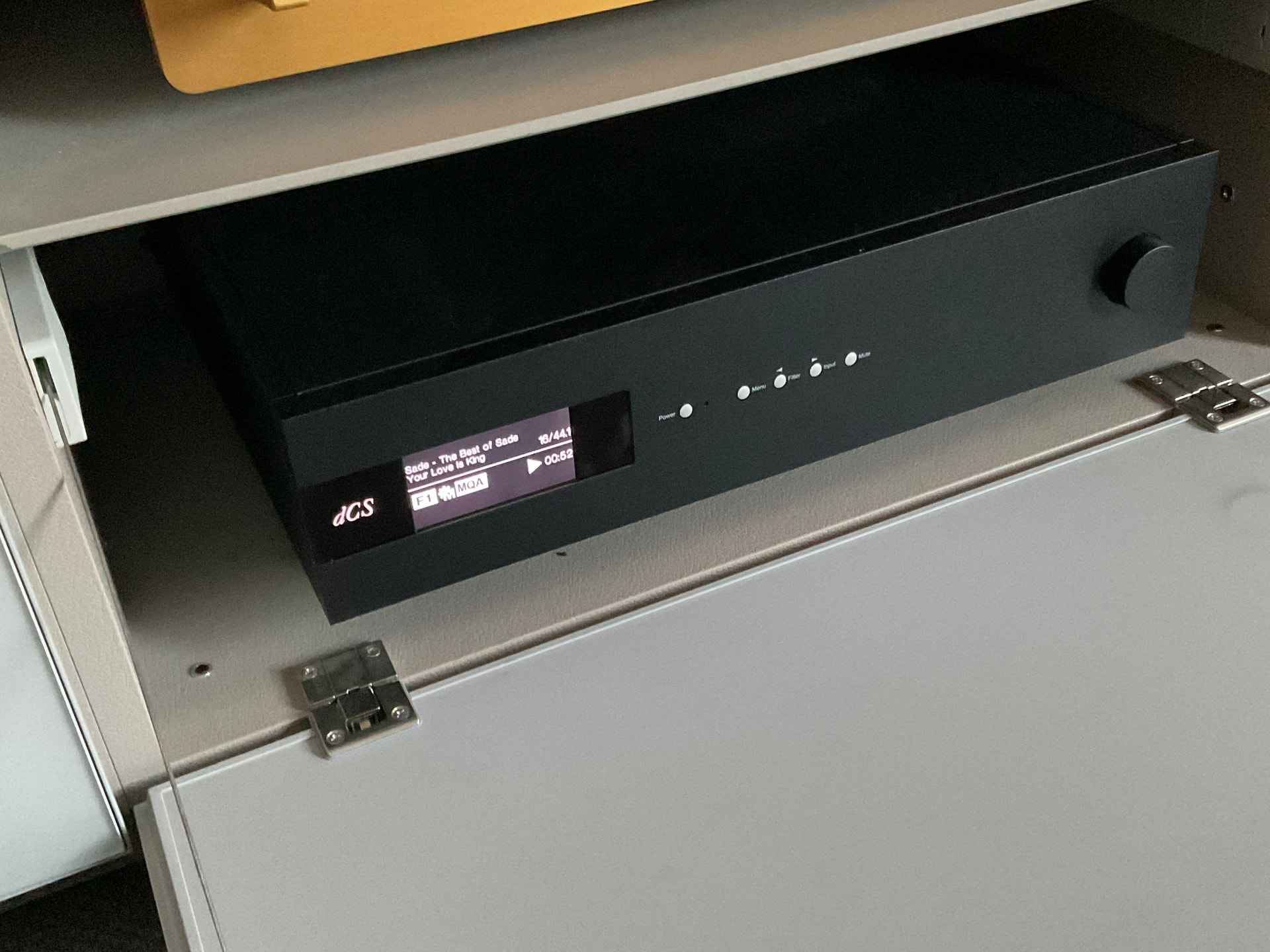
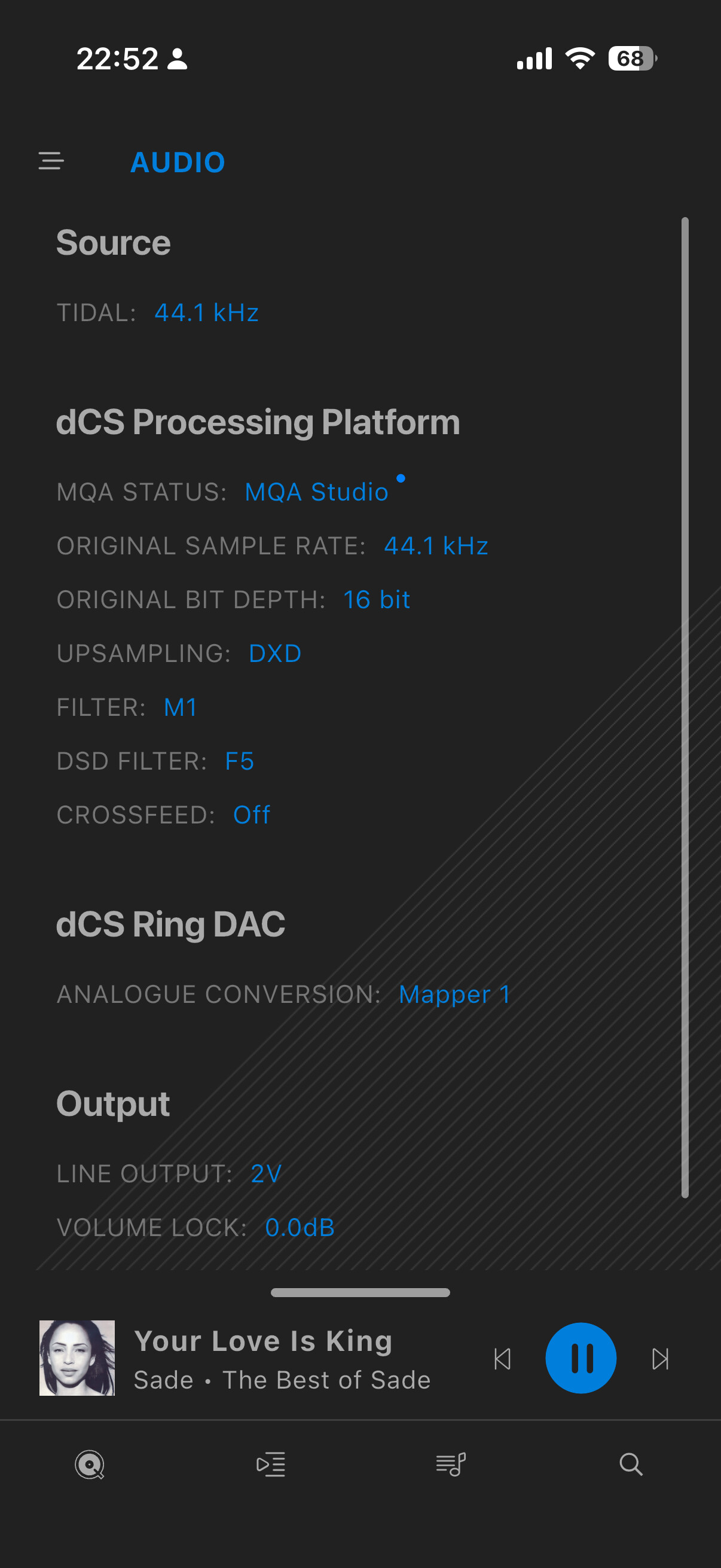
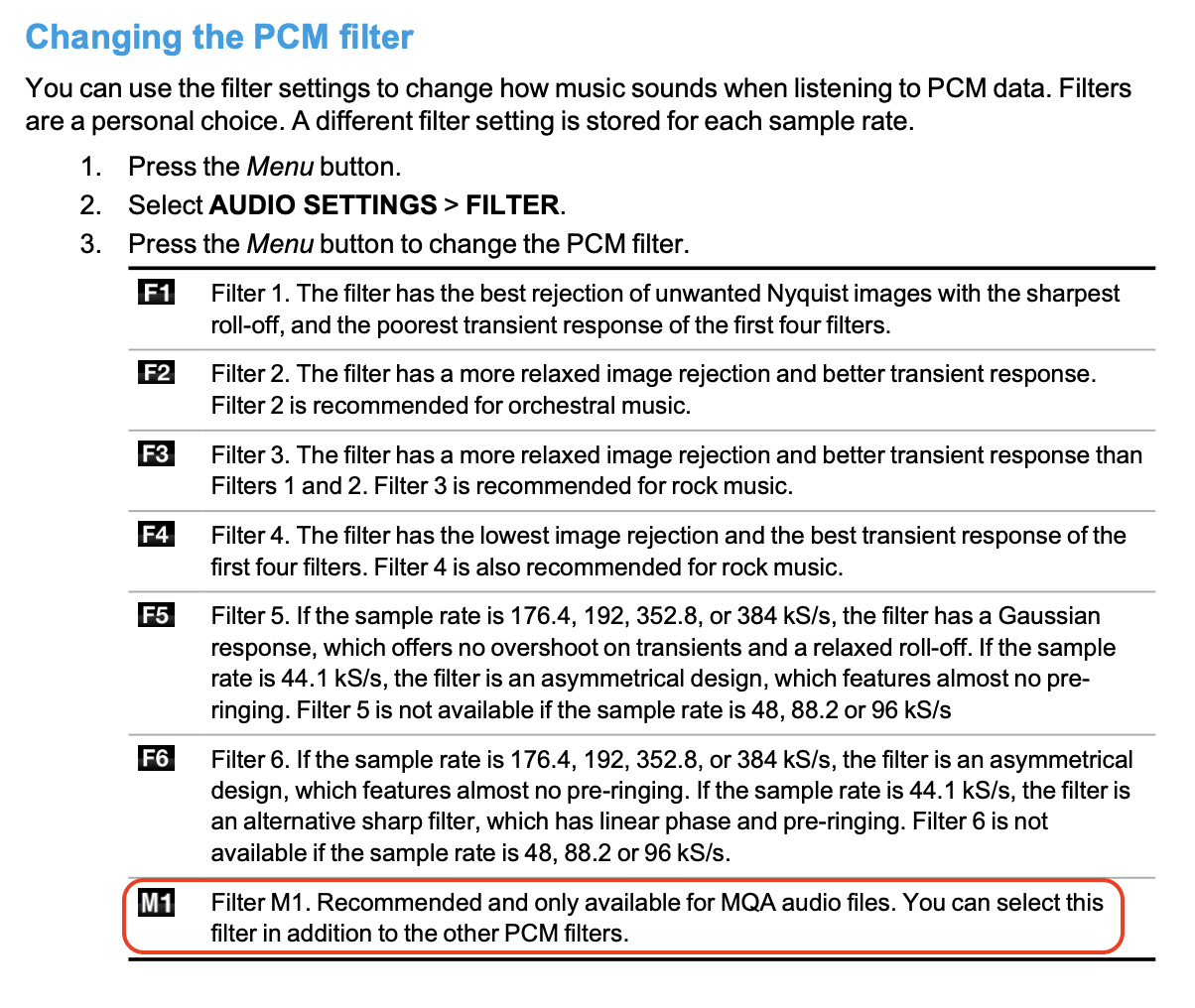
I have a Bartók Apex and use Tidal as my music source via the Mosaic app. According to the documentation, when the system detects an MQA stream, it should automatically engage the M1 filter, which is specifically designated for this format .
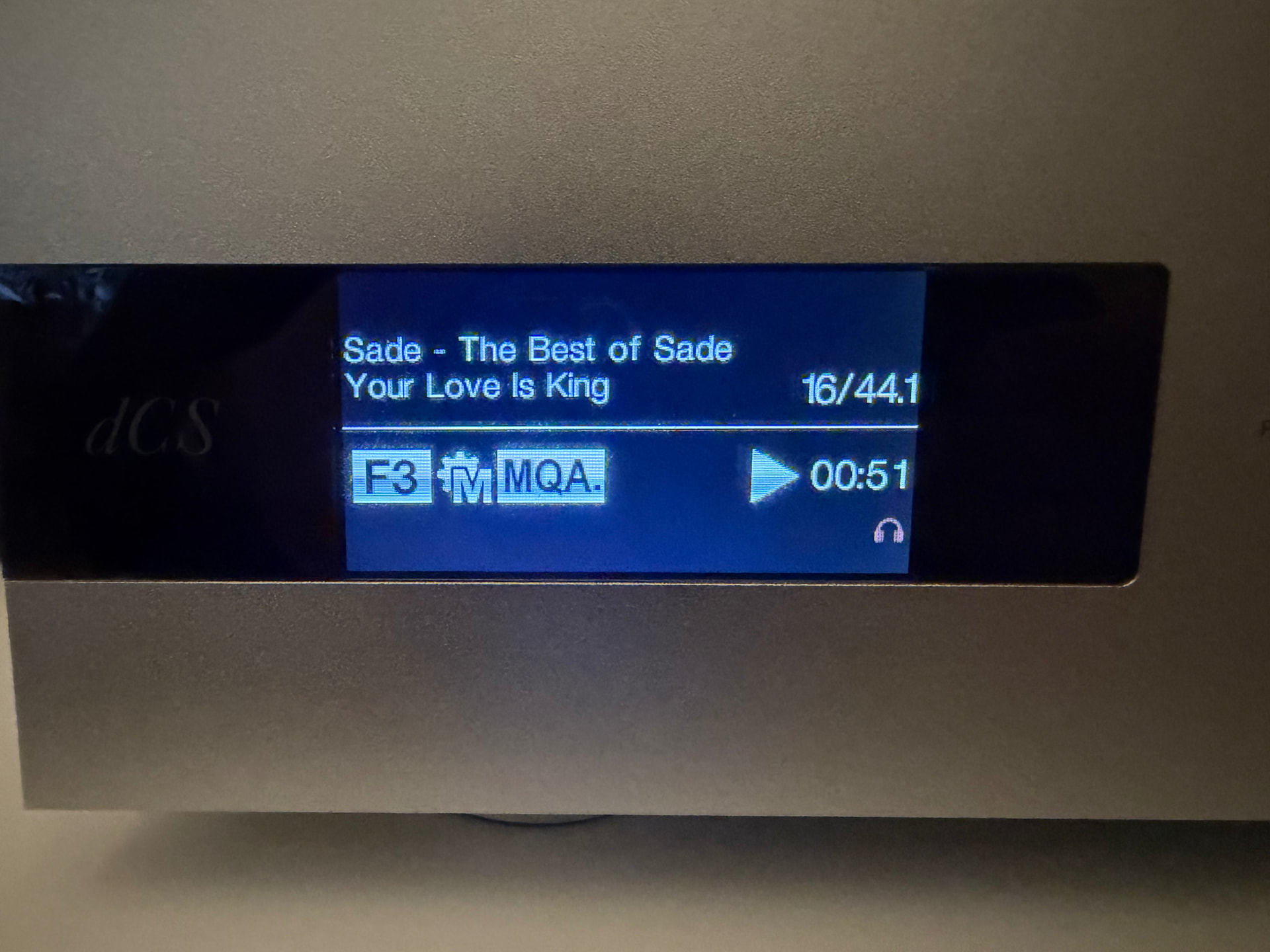
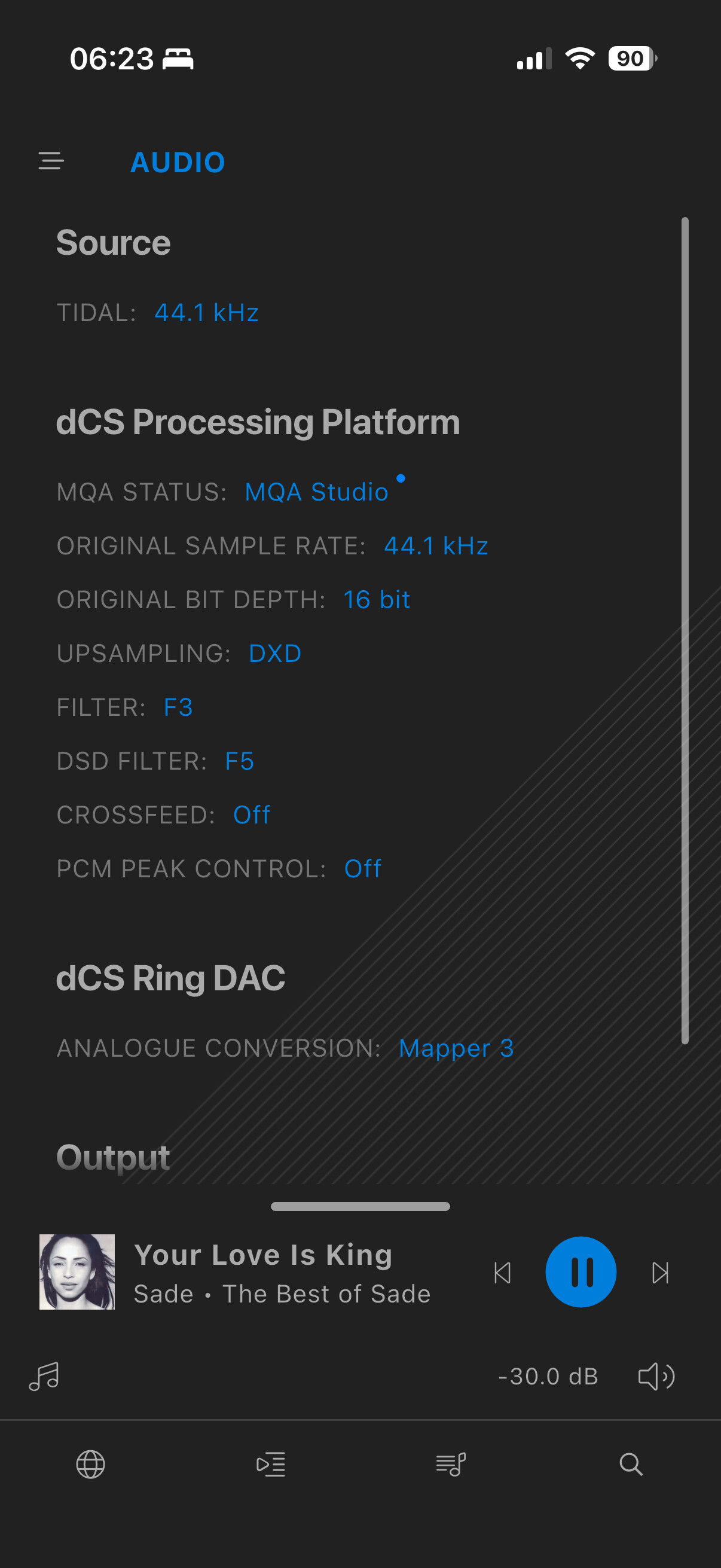
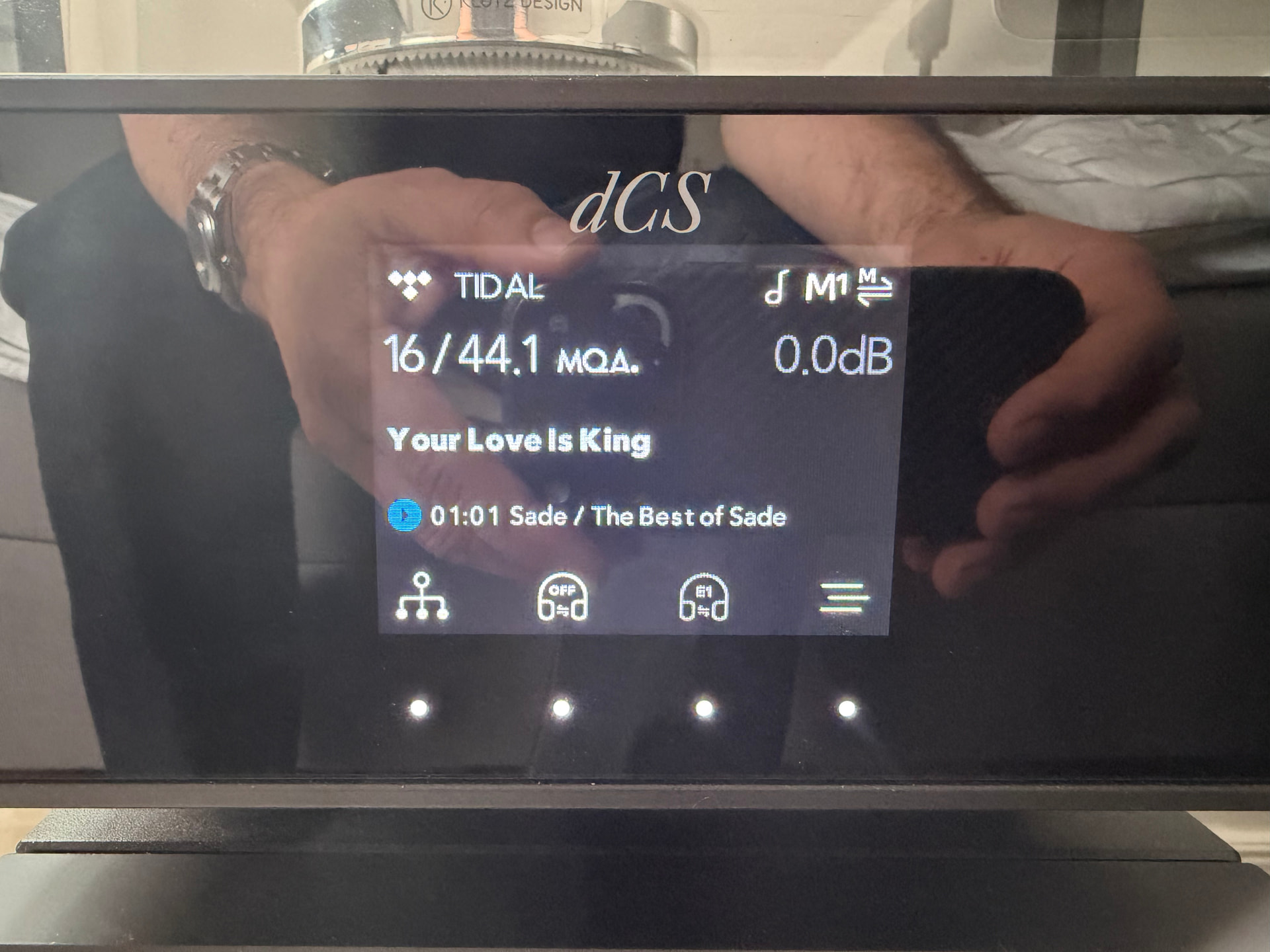
However, I’ve noticed that this is often not the case. The system frequently fails to switch to the M1 filter automatically, and I have to go into the app and select it manually.
Since this is supposed to be an automatic process, I’m wondering if there is something I need to do to correct this on my end. Has anyone else experienced this issue with their Bartók or Rossini?
Is performing a factory reset still the recommended fix for this behavior on the Bartók Apex? I’d prefer to avoid resetting all my other settings if there’s a simpler workaround.
Lima , your query is why Bartok does not show MQA. I understand from other Tidal users that there may be a few odd titles remaining in MQA that have not been replaced. However as you will see from the Tidal statement that I posted it is not available at least officially. So you might occasionally find one by luck ( just like there are a few MQA titles on Qobuz but they never did support it). If your Bartok is only showing the MQA icon then that may indicate an issue.
I still come across several files that are identified as MQA by Roon and the screen on my Vivaldi stack. I do not have to manually select MQA for them to play properly.
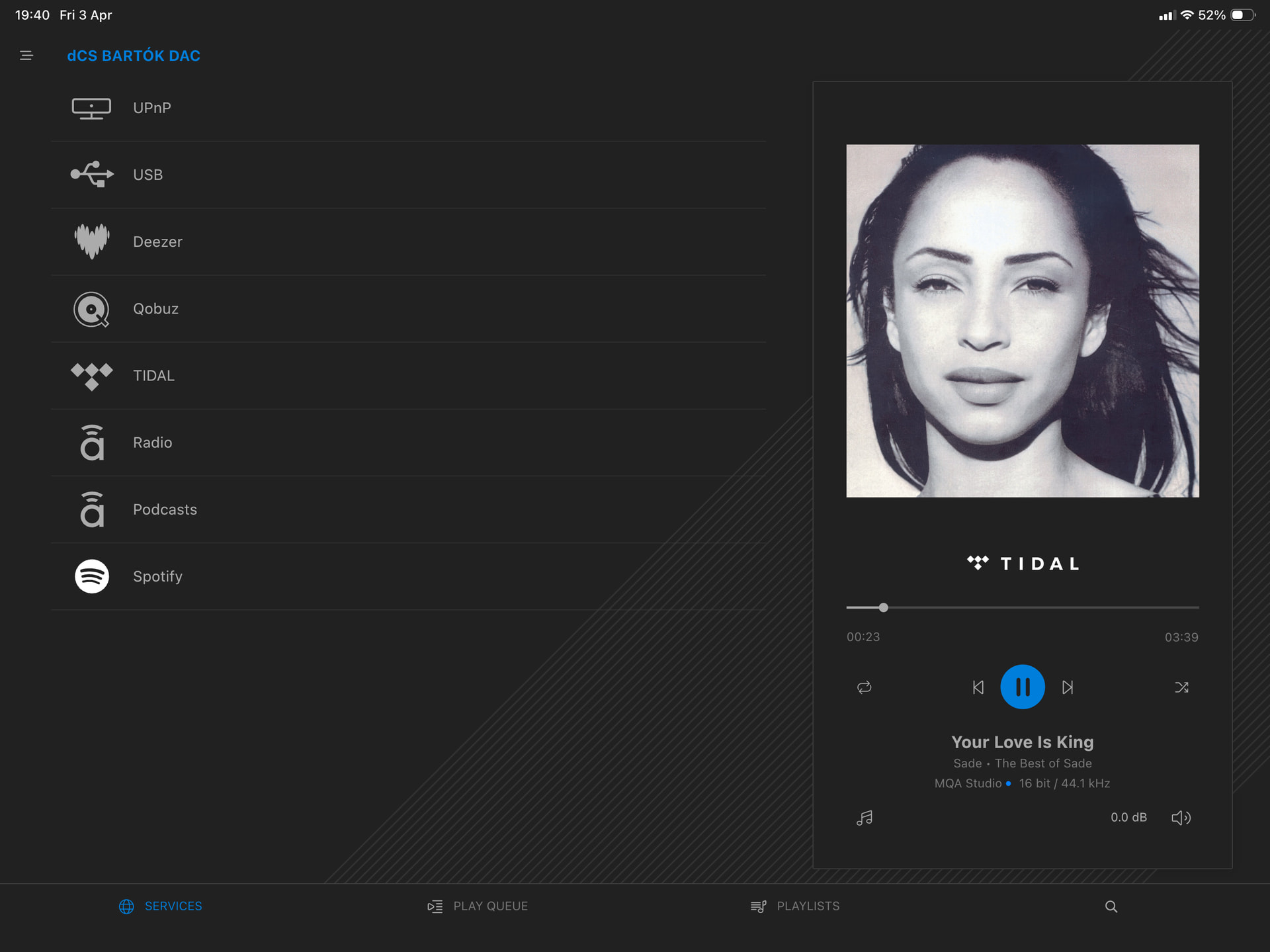
Simple, if the mosaic software assume that´s a MQA file, why the dac don´t select the M1 file? If the file format is not MQA why the software assumes that it is?
When files that have been MQA encoded in the sense of processed by them without actual MQA data the file may show as 44.1. Or Tidal are now no longer providing the data now they no longer have arrangements for it.
That might be what is happening. But I really can’t say for sure.
The third possibility is that Bartok has a fault but that is not likely as it reports the actual data rate it receives.
Not having Tidal myself I cannot go further. However dCS may have advice. If Bartok is faulty you will need to contact them anyway.
Tried this on my Bartók and it behaves the same as Lima’s, the album is recognized as MQA Studio but M1 is not selected. I will log this with engineering. Thank you @Lima!
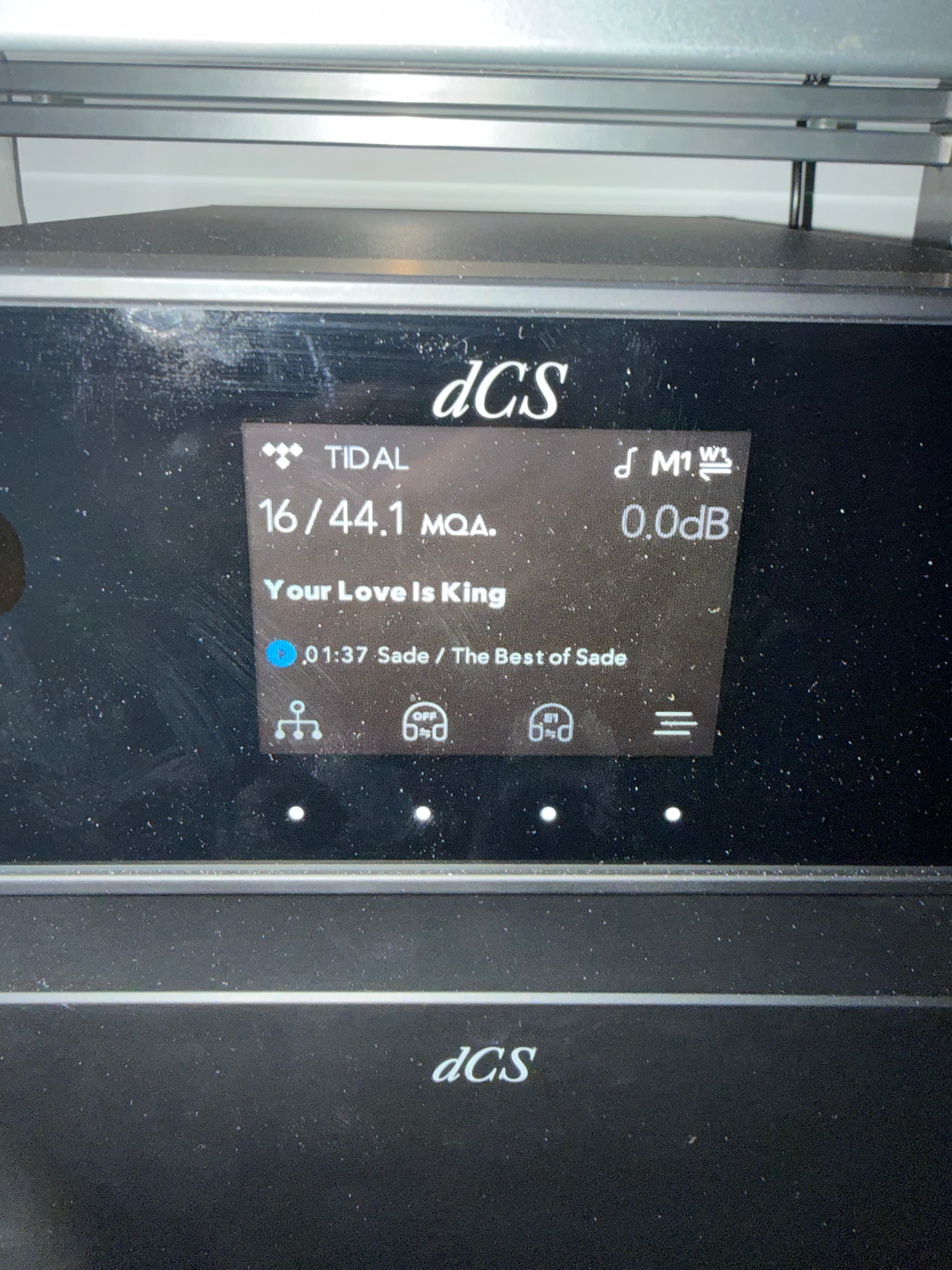
I do have the external Rossini clock, so my display will show W1 or W2 depending on the required base frequency for the track being played (for this entire Sade album that’ll be W1, 44.1kHz).
I know; so am I. I’m just remarking on the fact that in both of your Bartok cases, you don’t have an external clock, whereas with my Rossini and the Lina I do see an external clock. Just observing the ones with an external clock DO select the M1 filter on MQA tracks and the ones without remain stuck on their original filter.
Hi @Lima, Have you tried manually selecting M1 while playing an MQA track? It should remember that setting and switch back automatically next time you play something MQA.
Actually @Lima, reading the manual carefully it doesn’t state anywhere that M1 is automatically selected for MQA, just that it is recommended. However, if you manually select it, it will be remembered as the preferred filter for that format.
I honestly can’t remember if I ever manually selected M1 for MQA on my Bartók. I use Qobuz by default and have only ever played MQA tracks for testing purposes.